
Platform, Security & Administration
Secure access, fine-grained rights and a modern shell for every user
Login protection with lock-out, optional e-mail one-time code and a single active session per user; rights per screen — view, add, edit, delete, check, approve — with data scope by business unit, store and ward; an All Modules launcher, Ctrl+K search, themes, a notification centre and audit reports.
6
Right levels per screen
17
Notification event types
1
Active session per user
What this module solves
Shared logins, rights granted screen by screen on paper, and no record of who signed in from where make audits impossible and leave the system open.
What your facility gains
- One user, one session — a second sign-in ends the first
- Every right is explicit, down to check and approve
- Users see only the business units, stores and wards they are granted
- Login attempts and user activity are on record for audit
The workflow
Hospital Setup
Company and business units defined.
Module Grants
Only purchased modules become visible.
Role Rights
View, add, edit, delete, check, approve per screen.
Users
Business units, stores and ward-wise access.
Login
Lock-out, optional e-mail code, single session.
Dashboard
Year and location chosen; pinned board opens.
Everything in Platform & Security
See it in the system
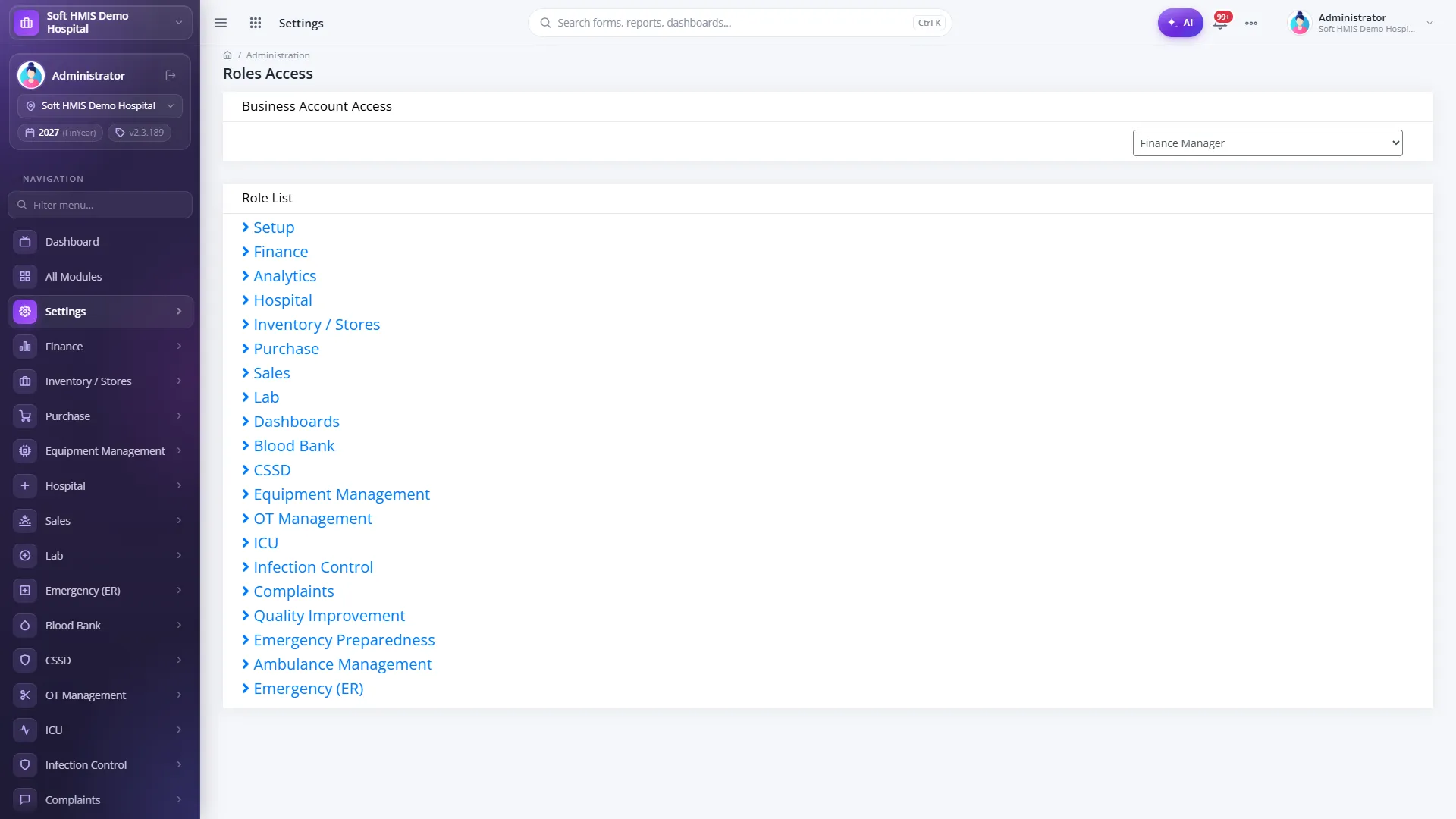
A real screen from a running SoftHMIS installation for Platform & Security. Demo data; patient and staff details blurred. Click any screen to enlarge it.
Role Access
Per-screen rights for a role: view, add, edit, delete, check and approve.
Related modules
SoftHMIS modules share one database — they work better connected.
See Platform, Security & Administration in action
See SoftHMIS configured around your facility — modules, workflows, tariffs and dashboards. Book a free demo on your own workflows and ask the hard questions.
No obligation Live demo on your workflows 042 35733324